
Backing up AutoRPO
We sell restore testing, so AutoRPO backs itself up too.
Nightly backups #
Every night AutoRPO writes a backup to /var/lib/autorpo/backups: one .tar.gz with the database and the keys
it needs (the key to its stored secrets and the evidence signing key). The newest 14 are kept. They're listed
with download links under Settings → Maintenance, where you can also make one now.
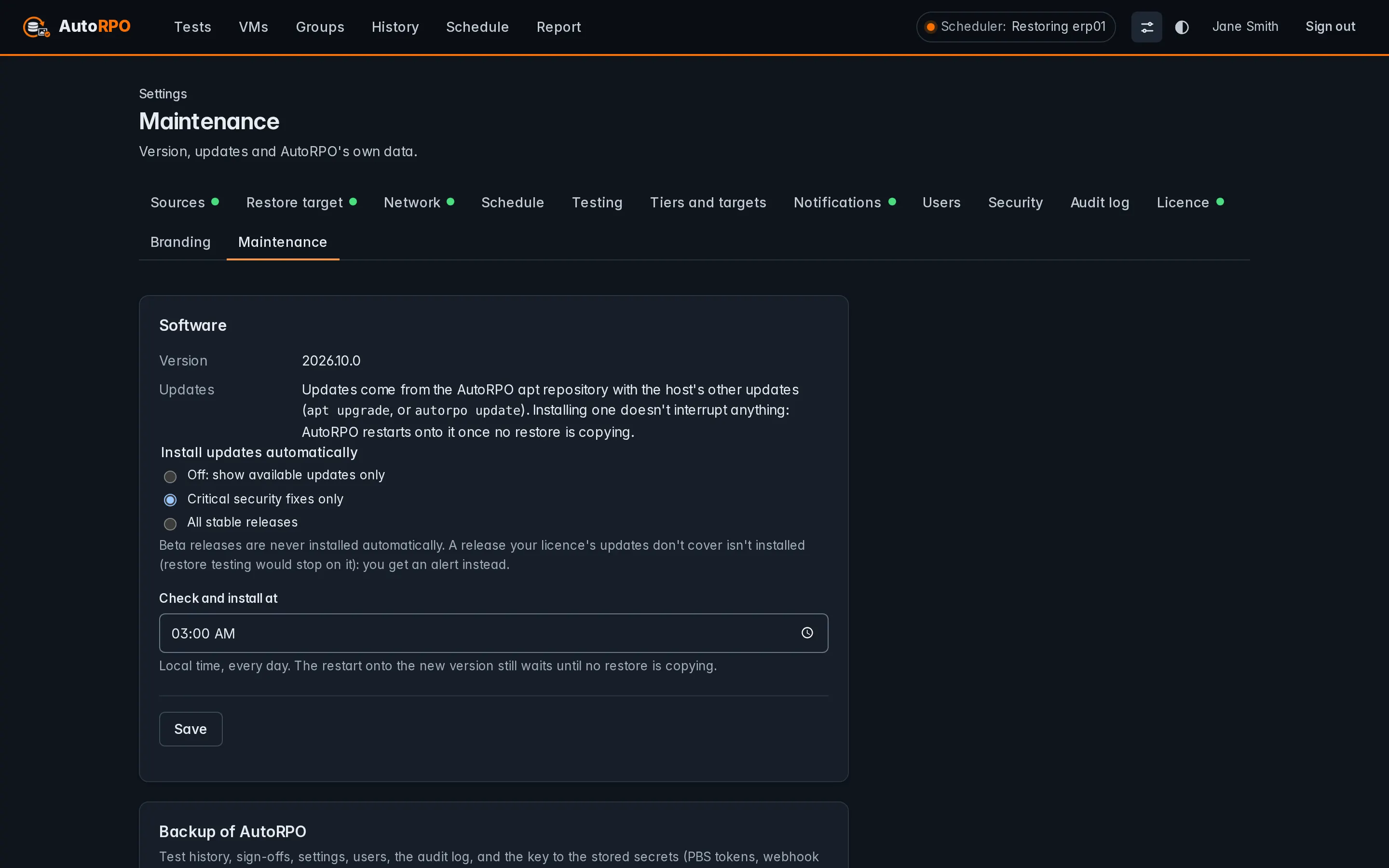 Settings → Maintenance
Restoring #
- On the same host: Settings → Maintenance → Restore a backup. The backup is swapped in on restart, and the data it replaced is kept.
- On a rebuilt or new host: install AutoRPO, open the setup link, and choose Restore from a backup on the welcome page. Sources, settings, history and the evidence key all come back. If the licence was active on the old install, deactivate it there first, or ask support to free it if the old host is gone.
Offsite copy to S3-compatible storage #
Under Settings → Maintenance → Offsite copy, AutoRPO uploads every day at a set time to Amazon S3, Wasabi, Backblaze B2, MinIO or any S3-compatible storage:
- a backup of AutoRPO without secrets (restorable on a new install, where you enter the secrets again);
- a CSV of every test;
- new Restore Evidence Reports and screenshots.
Optional S3 Object Lock (governance or compliance, for a number of days) keeps the copies from being changed or deleted. Use Test connection before saving and Upload now to try it. A failed upload is retried hourly and raises an "offsite copy failed" alert. The secret access key is stored encrypted and never shown again.